



Description
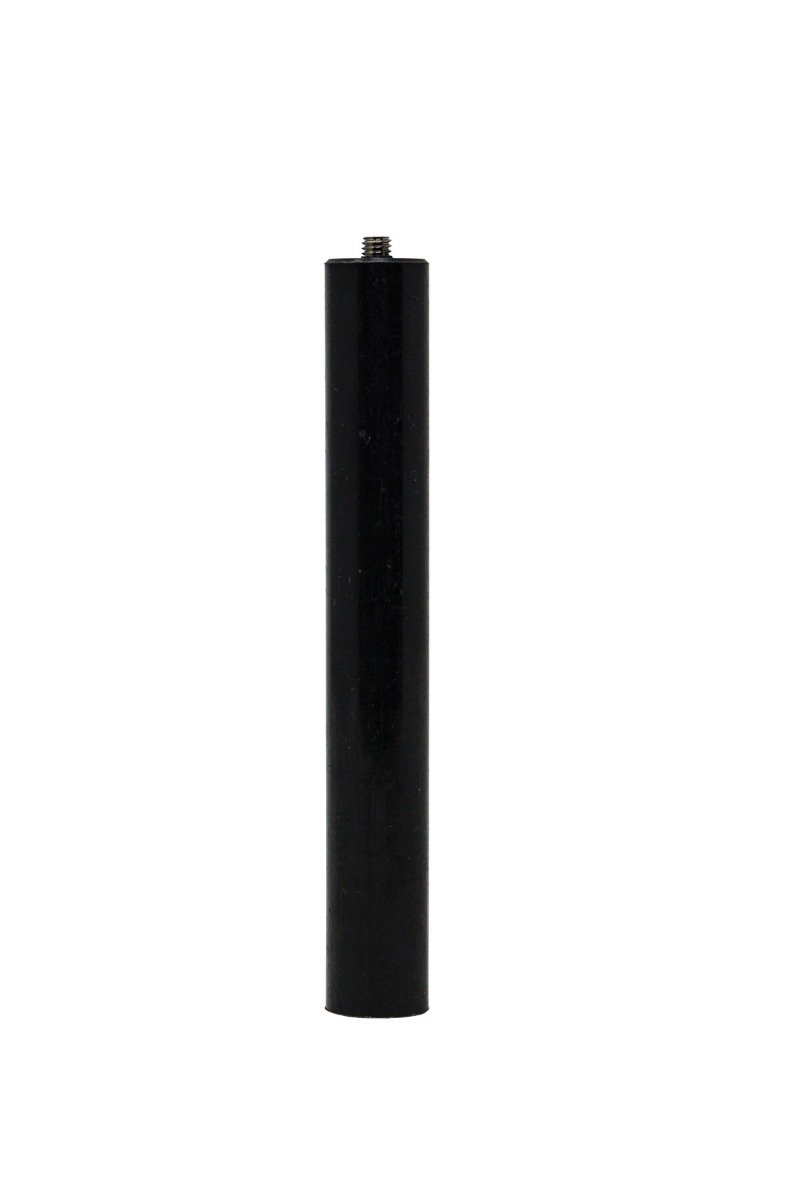
The KEEP-NUT M5 Setting Tool is an installation punch for seating M5 KEEP-NUT press-in, self-anchoring threaded inserts in a correctly prepared hole. It gives fabricators a dedicated contact surface for transferring mallet or hammer force to the insert while protecting the insert from a direct strike.
KEEP-NUT M5 Setting Tool Installation Process
Use this tool after drilling the hole to the dimensions specified for the selected KEEP-NUT insert. Thread the M5 insert onto the setting tool, align it squarely with the hole, and apply controlled impact until the insert is seated. Keeping the tool perpendicular helps distribute the force through the insert body and supports a consistent installation in stone, solid surface, composite panels, and other approved materials.
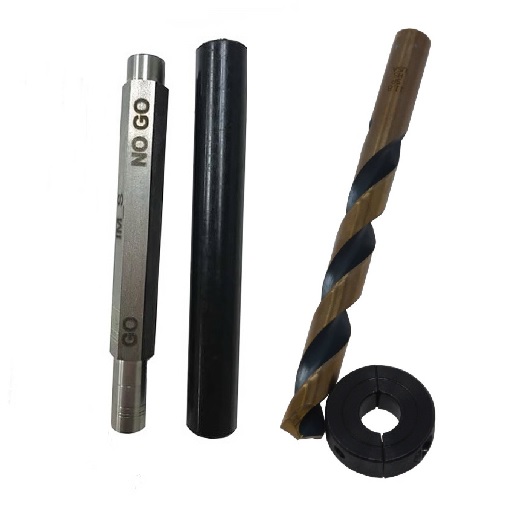
M04, M05, and M06 setting-tool sizes are separate installation accessories in the KEEP-NUT system. Choose the M5 tool only for the matching metric insert. After seating, use the appropriate Go/No Go gauge or installation check specified for the insert family to confirm the hole and installed position before loading the joint.
KEEP-NUT M5 Setting Tool Details
| Property | Value |
|---|---|
| SKU | CCH-KNSET-M5 |
| Product type | Insertion and setting tool |
| Compatible thread size | M5 |
| Product family | KEEP-NUT press-in threaded inserts |
| Installation method | Controlled mallet or hammer impact |
| Tool format | Threaded installation punch |
Keep the working end clean and inspect the threads before each use. Replace a tool with damaged threads or a deformed striking surface, since poor engagement can tilt the insert or concentrate impact at one point. The KEEP-NUT M5 Setting Tool is intended for installation work and should be paired with the correct drilling tool, insert, and inspection gauge for the job.
Browse compatible KEEP-NUT threaded inserts and installation accessories. For manufacturer information on the insert system and installation tooling, visit Specialinsert.
Need Help?
Need help matching an M5 insert, drill, gauge, and setting tool? Call (800) 220-1966 or email [email protected].


Reviews
There are no reviews yet.