




Description
Invisible Countertop Support
CarbonBar™ Knee Wall Bracket
The future of countertop support is stronger, lighter, and completely concealed.
The CarbonBar™ Knee Wall Support Bracket is an advanced, low-profile carbon fiber support system engineered specifically for heavy stone, quartz, and solid surface countertop overhangs.
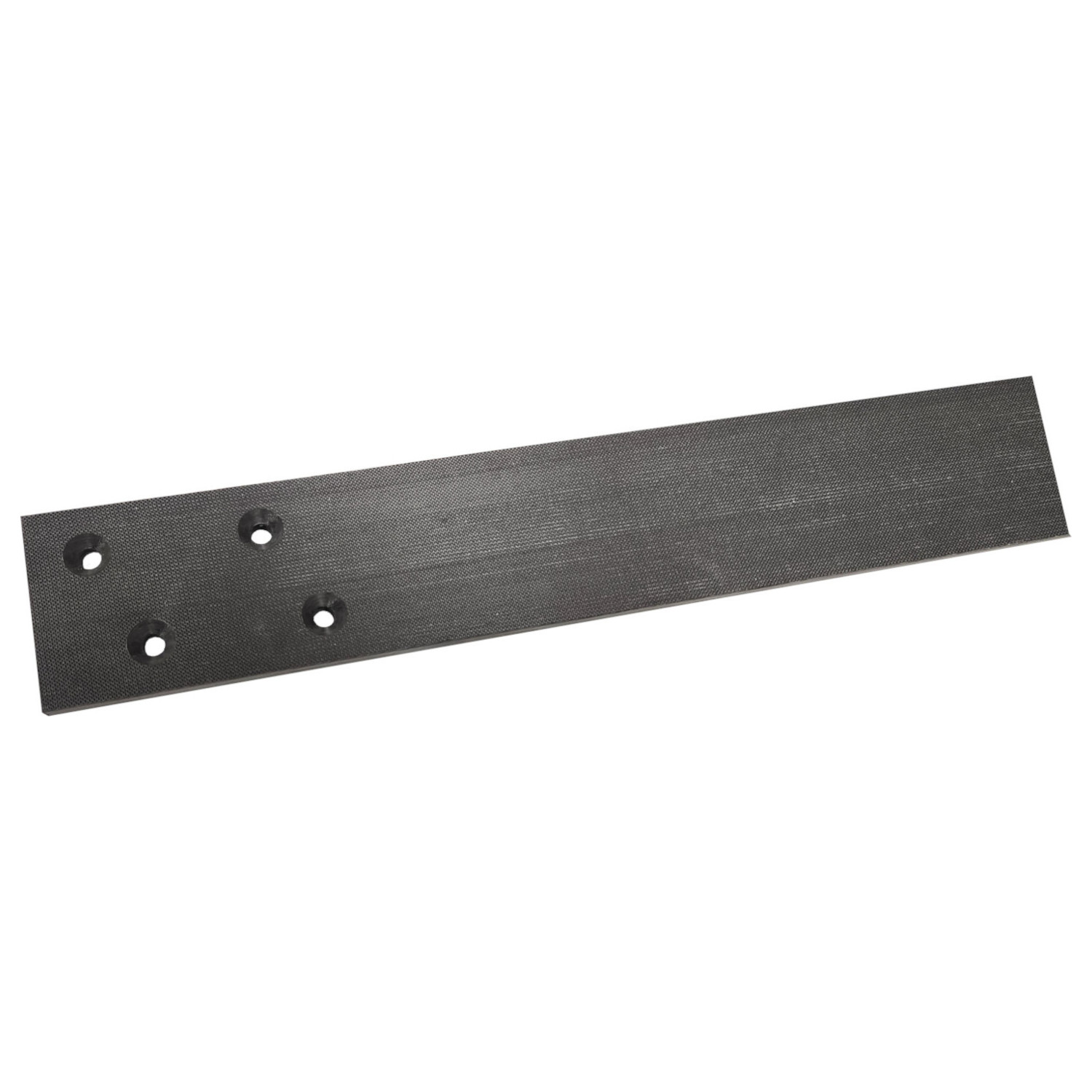
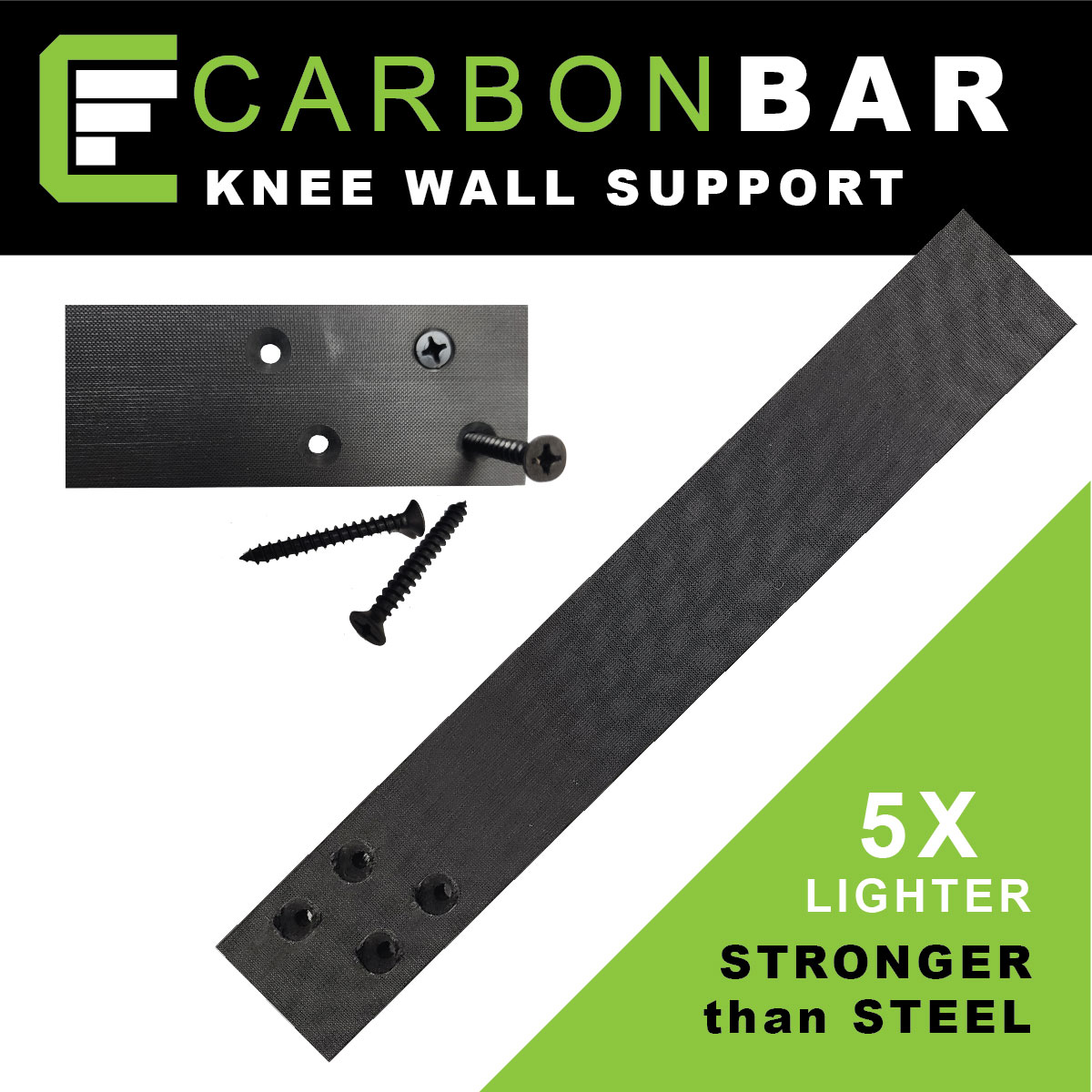
Manufactured from a high-performance carbon fiber composite, it completely eliminates the need for bulky, knee-knocking corbels. It provides massive load-bearing strength in a hyper-thin 2.0″ wide profile that routes perfectly flush into your wall assemblies for a clean, floating aesthetic. Available in both the Standard 0.4″ thickness and an Ultra-Thin 0.2″ profile for tight clearances.
Watch CarbonBar™ structural testing in action.
Why Choose Carbon Fiber?
Carbon fiber is a groundbreaking composite material that crushes the limitations of traditional steel supports.
- 4x Stronger than Steel: Unyielding strength for the heaviest granite and quartz loads.
- 8x Stronger than Aluminum: Maximum rigidity with virtually zero deflection.
- 5x Lighter than Steel: Effortless to transport, handle, and install.
- 100% Weatherproof: Completely resistant to rust, corrosion, and moisture—perfect for outdoor kitchens.
Ideal Applications
A sleek, concealed design makes CarbonBar perfect for residential and commercial spaces.
- Kitchen Islands: Support heavy overhangs and breakfast bars cleanly without corbels.
- Outdoor Living: Weatherproof performance for outdoor bars, grilling areas, and patios.
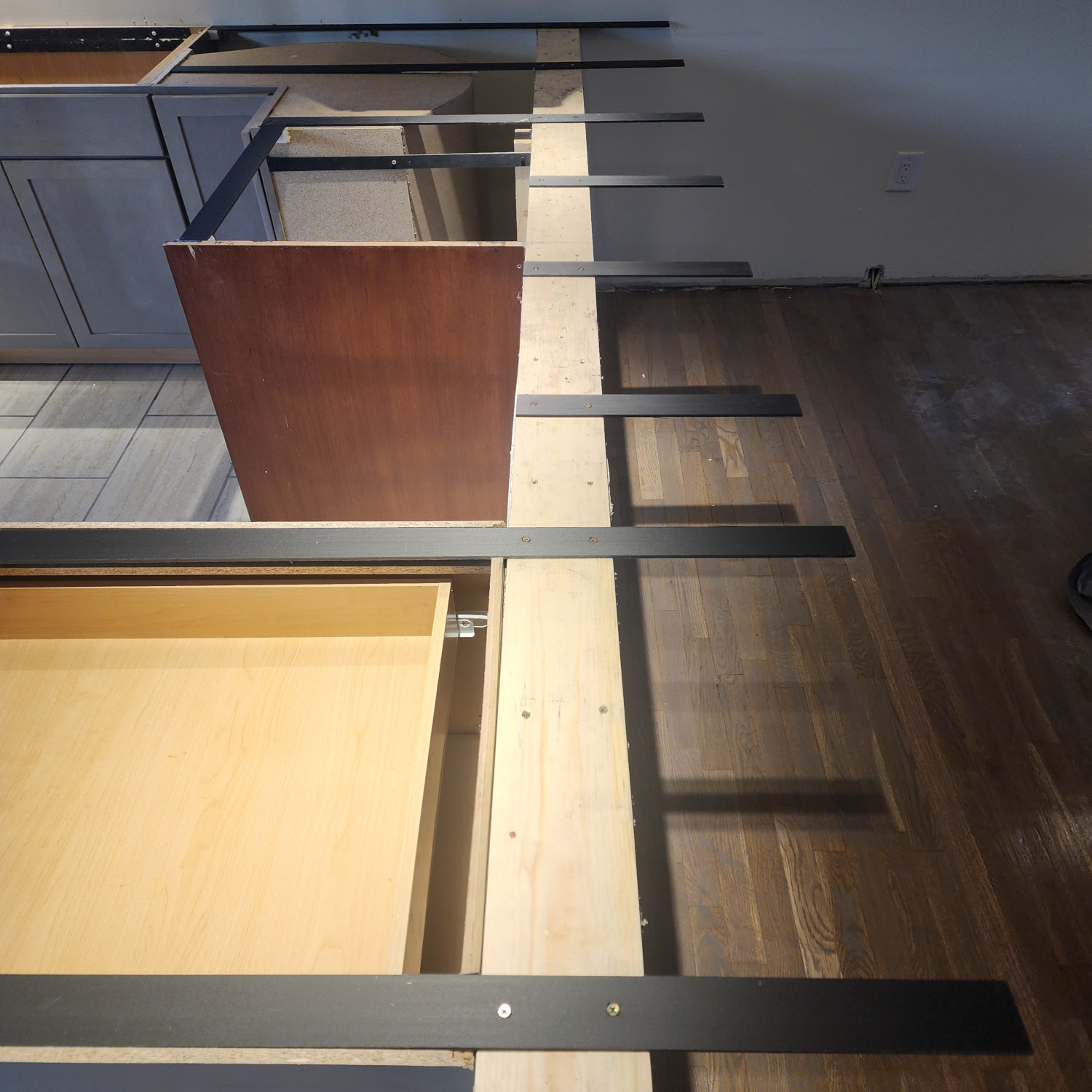
- Pony & Knee Walls: Routs perfectly flush into the wood framing.
- Commercial Desks: Sleek, ADA-compliant support for reception desks, retail counters, and multi-family units.
How to Install CarbonBar™ Knee Wall Brackets
*** PEEL THE PROTECTIVE FILM OFF THE BRACKET BEFORE YOU INSTALL ***
1. Mark Your Layout
Mark 3″ to 6″ from the outer edge of the knee/pony wall for your first pocket. Set marks for the remaining brackets every 16″ to 20″ apart for optimal protection.
2. Rout the Pockets
Rout or chisel a 2.0″ wide pocket. Make the depth perfectly match your bracket thickness (0.2″ or 0.4″) so the bracket sits exactly flush with the top of the wall.
3. Secure the Bracket
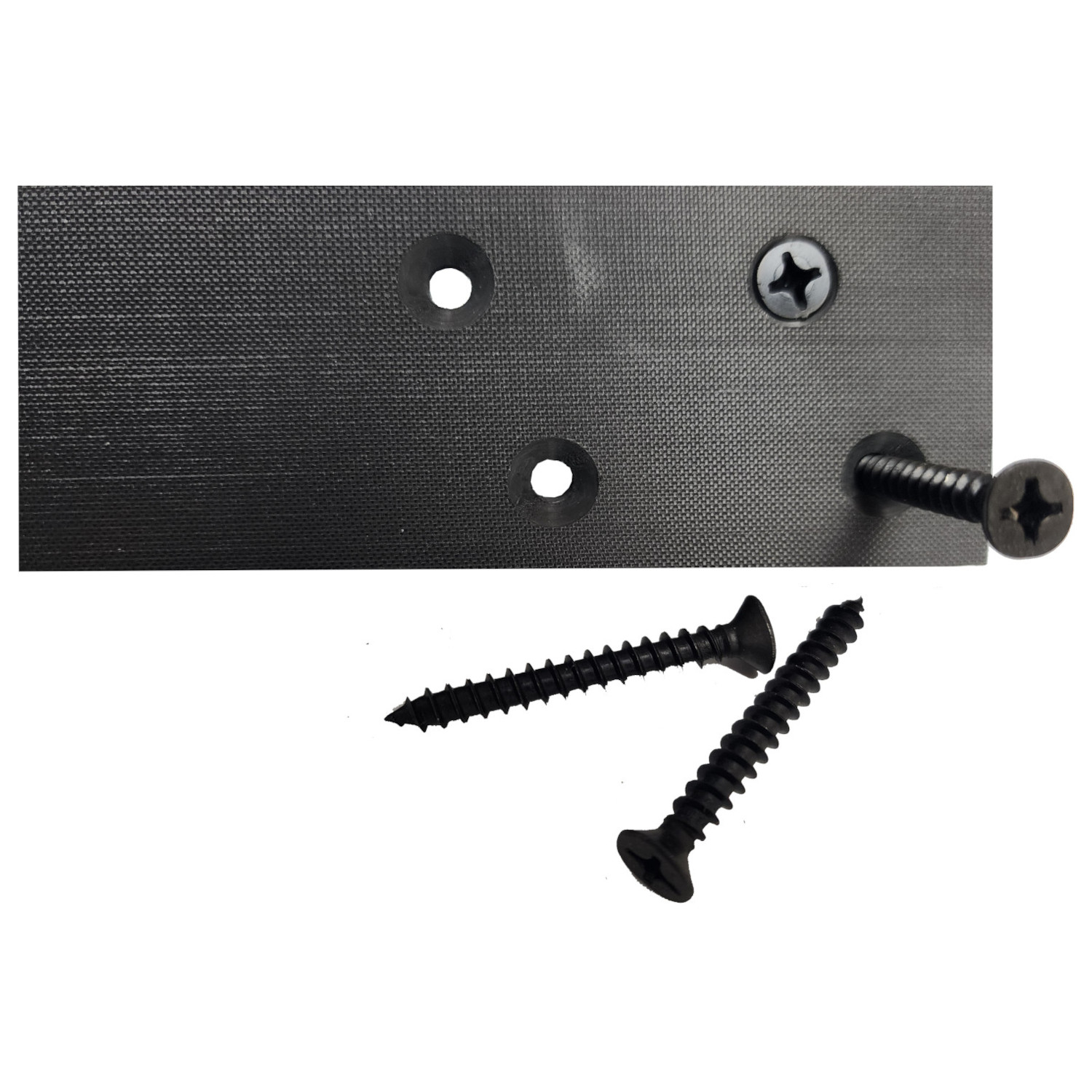
Insert the bracket into the routed pocket. Screw the bracket into place using the included hardware, ensuring the screw heads sit perfectly flush inside the countersunk holes.
4. Level It Out
Using a level, check your brackets. Use shims beneath the bracket where necessary until the support arms are completely level.
5. Apply Adhesive
For 0.4″ Brackets: Apply standard silicone or epoxy.
For 0.2″ Brackets: You MUST use CarbonBond Epoxy or CarbonBond 1C to properly bond the ultra-thin profile to the stone.
6. Final Caulk
Check level one last time. Caulk around the brackets with clear silicone to hold your countertop securely in place.
Bracket Specifications & Hardware
Pro Tip – Which thickness should I choose? Our sales team highly recommends the Standard 0.4″ Bracket for most installs. It provides maximum rigidity and allows fabricators to install the countertop using standard shop silicone. The Ultra-Thin 0.2″ Bracket is excellent for tight clearances where minimizing routing depth is critical, but it requires specialized CarbonBond adhesives for safe installation.
| Specification | 0.2″ Ultra-Thin (1-Layer) | 0.4″ Standard (2-Layer) |
|---|---|---|
| Available Lengths | 10″, 12″, and 16″ | 10″, 12″, and 16″ |
| Bracket Width | 2.00″ Wide | 2.00″ Wide |
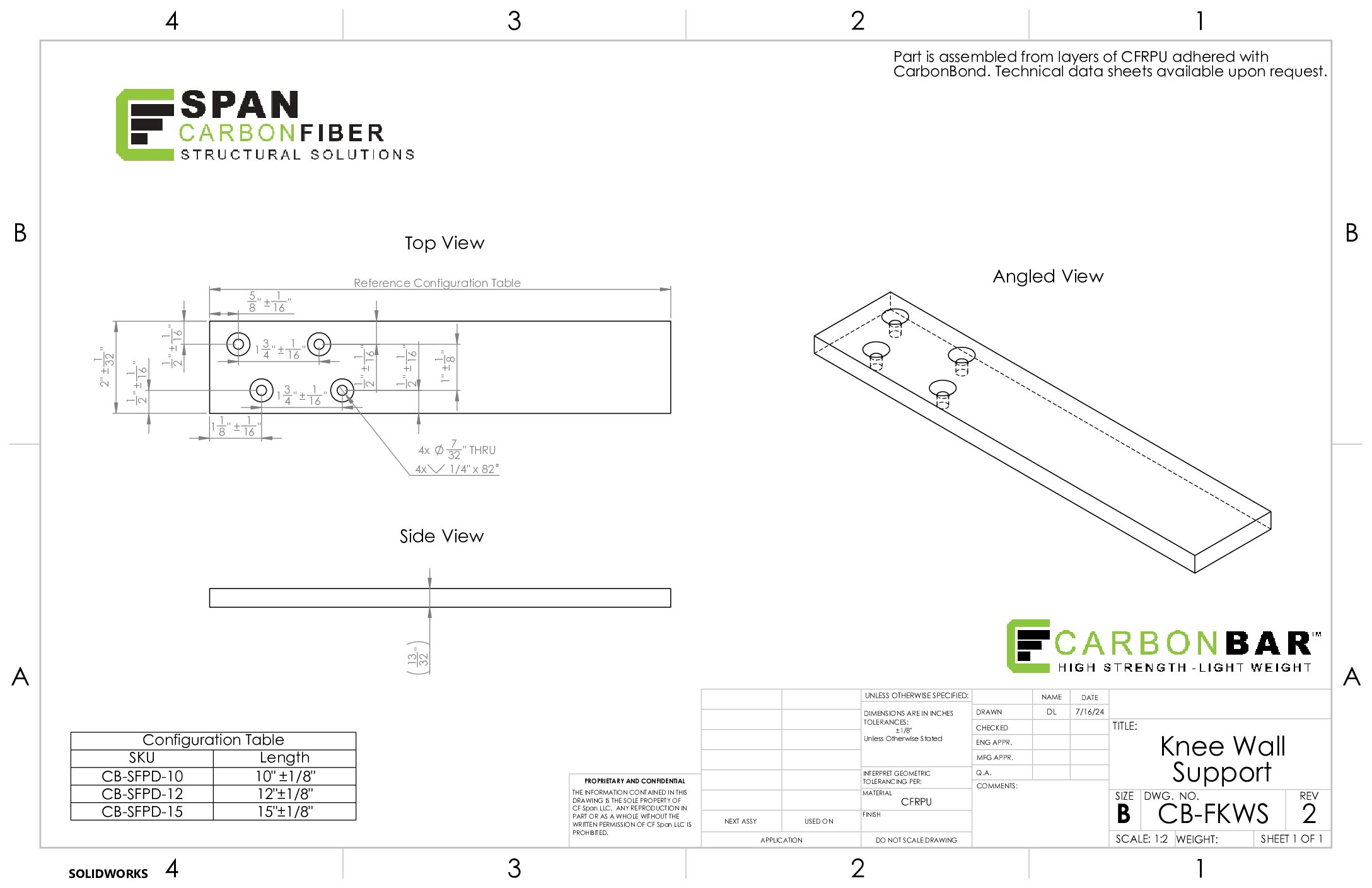
| Mounting Holes | 2 pre-drilled countersunk holes | 4 pre-drilled countersunk holes |
| Included Hardware | (2) #12 x 1.5″ Flat Zinc Wood Screws | (4) #12 x 1.5″ Flat Zinc Wood Screws |
| Bracket Weight | 0.22 lbs to 0.35 lbs | 0.43 lbs to 0.70 lbs |
Specifying for a Commercial Build?
Need bulk bracket pricing, engineering guidance, or custom fabrication? CarbonBar can be customized to your exact requirements.




Reviews
There are no reviews yet.